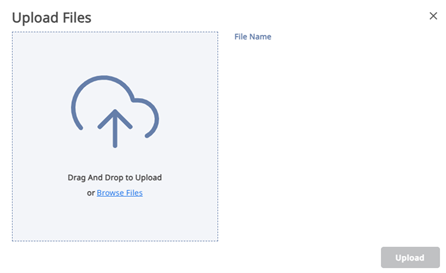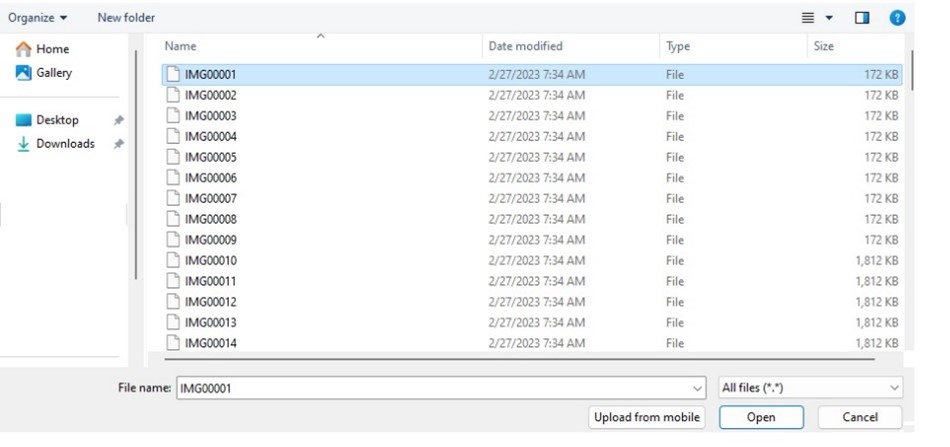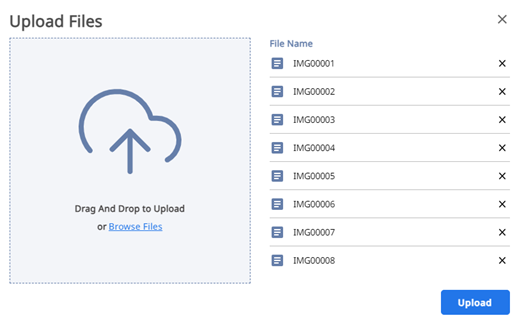



Button to upload new files to the cloud storage. Click this button to select and upload files from your computer.

Section where all your files and folders are stored. You can create new folders, organize your files, view, and edit them.

Section displaying files and folders that others have shared with you.

Section displaying files and folders that you have shared with other users.

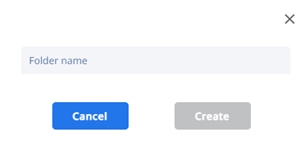
Button to create a new folder in your storage. Click this button to create and name a new folder.

In the top right corner, the user name and the amount of storage used are displayed.